By PDS Team
What is video SEO? It is the work of making your videos easy for search engines to find, understand and show, both on YouTube and in Google Search. Good video SEO covers three things: where the video lives, the information you give about it (titles, descriptions, thumbnails, structured data) and whether search engines can actually reach the files.
This guide explains how YouTube search and Google Search treat video differently, and gives you a practical checklist you can use before you publish your next video.
What is video SEO and why does it matter for a business?
Video SEO matters because a video only brings in customers if people can find it when they search.
Many businesses in India now make product demos, explainer videos and short customer guides. The problem is that a video uploaded with a vague title, no description and no page on the website often gets very few views from search. Video SEO fixes that by giving search engines clear signals about what the video covers and who it is for.
There are two main places your videos can be found:
- YouTube search and recommendations, where your title, description, thumbnail and how viewers respond to the video all play a part.
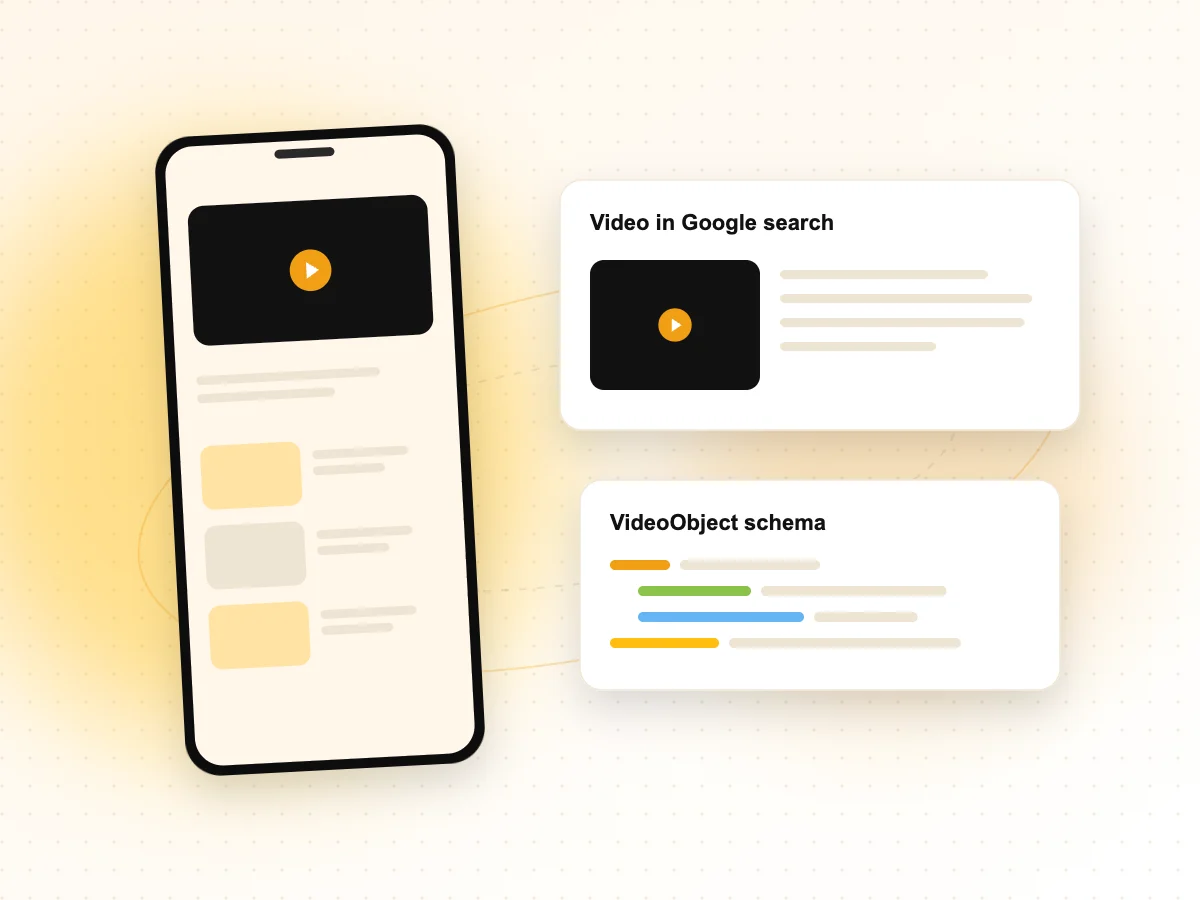
- Google Search, including the Videos tab and video results on the main results page, where Google looks at the page the video is embedded on.
If you want a team to handle this end to end, our video SEO services cover both YouTube optimisation and on-site video indexing.
How does YouTube search decide which videos to show?
YouTube explains that its search ranking looks at relevance, engagement and quality.
According to YouTube, relevance is estimated from things like how well your title, tags, description and video content match the search. Engagement signals, such as watch time for a particular query, help YouTube judge whether viewers found the video useful. Quality signals try to identify channels that show expertise, authoritativeness and trustworthiness on a topic.
In practice, this means you cannot rely on keywords alone. A clear title gets the video into the right searches, but the video itself has to hold attention and answer the question it promises to answer.
What you control on YouTube
- Title: YouTube allows up to 100 characters. Put the main topic near the start.
- Description: Up to 5,000 characters. YouTube suggests using the first few lines to describe the video, because that is what viewers see before they tap “more”.
- Keywords: YouTube recommends picking one or two main words that describe the video and featuring them in both the title and description.
- Tags: YouTube says tags play a minimal role in discovery and mainly help when people misspell a search.
- Chapters and thumbnails: These help viewers decide to click and to keep watching.
How does Google Search find and index videos?
Google indexes videos through the web pages they are embedded on, so the page matters as much as the video.
Google’s video best practices explain that Google can find videos placed with common HTML elements such as <video>, <iframe>, <embed> or <object>. It warns against loading the video only after a user swipes, clicks or types, because Google may not see it.
Google also has clear indexing requirements. The page holding the video must itself be indexed. The video must be embedded on a watch page, which is a page whose main purpose is showing that one video. The video should not be hidden behind other elements, and it needs a valid thumbnail at a stable URL.
Watch pages versus other pages
A blog post with a video halfway down is useful to readers, but Google does not treat it as a watch page. If a video is important to your business, such as a product demo or a service explainer, consider giving it its own page with a unique title and description written for that video.
What are the key parts of on-page video SEO?
The key parts are a dedicated watch page, accurate metadata, a crawlable thumbnail and access to the video file.
Here is how the main elements compare on YouTube and on your own website:
| Element | On YouTube | On your website |
|---|---|---|
| Title | Video title field, up to 100 characters | Page title and the name in VideoObject structured data |
| Description | Description field, up to 5,000 characters | Text on the watch page and the description in structured data |
| Thumbnail | Custom thumbnail uploaded in YouTube Studio | A thumbnail at a stable URL that Googlebot can crawl |
| Key moments | Timestamps in the description (chapters) | Clip or SeekToAction structured data |
| Discovery help | Playlists and end screens | Video sitemap and internal links to the watch page |
Google recommends giving each video its own unique title, description and thumbnail across all of your metadata, and keeping that information consistent with what is actually in the video.
Should you upload videos to YouTube or host them on your own site?
Most businesses benefit from doing both: publish on YouTube for reach, and embed the video on a relevant page of your own website.
YouTube gives you an audience and its own search engine. Embedding the same video on your website gives visitors more reason to stay on your pages and lets Google connect the video to your content. For YouTube-hosted videos, Google’s guidance says you can define key moments simply by adding timestamps and labels in the YouTube description.
If you self-host video files, Google needs to be able to fetch the video bytes to show features such as previews and key moments. That means the video file URL should not be blocked by robots.txt or a noindex rule, and your server should be able to handle the crawling.
Video also works well alongside written content. A short video answering a common customer question, embedded in a detailed article, serves people who prefer to watch and people who prefer to read. Our content marketing team often plans articles and videos together for this reason.
How do you check whether your video SEO is working?
Use YouTube Analytics for YouTube performance and Google Search Console for how your website’s videos appear in Google.
Search Console has a Video indexing report that shows how many of your pages have an indexed video and lists reasons why other videos were not indexed. The Performance report also lets you filter by the Videos search appearance, so you can see clicks and impressions for video results.
On YouTube, the Research tab in YouTube Analytics can show what your audience is searching for. YouTube Help also suggests using it, along with Google Ads Keyword Planner, to find popular terms and synonyms for your titles and descriptions.
A simple pre-publish checklist
- Choose one clear topic and one or two main words that describe it.
- Write a specific title and a description whose first lines summarise the video.
- Add chapters with timestamps if the video is long enough to need them.
- Design a thumbnail that matches what the video actually shows.
- Embed the video on a relevant page of your site, ideally a dedicated watch page.
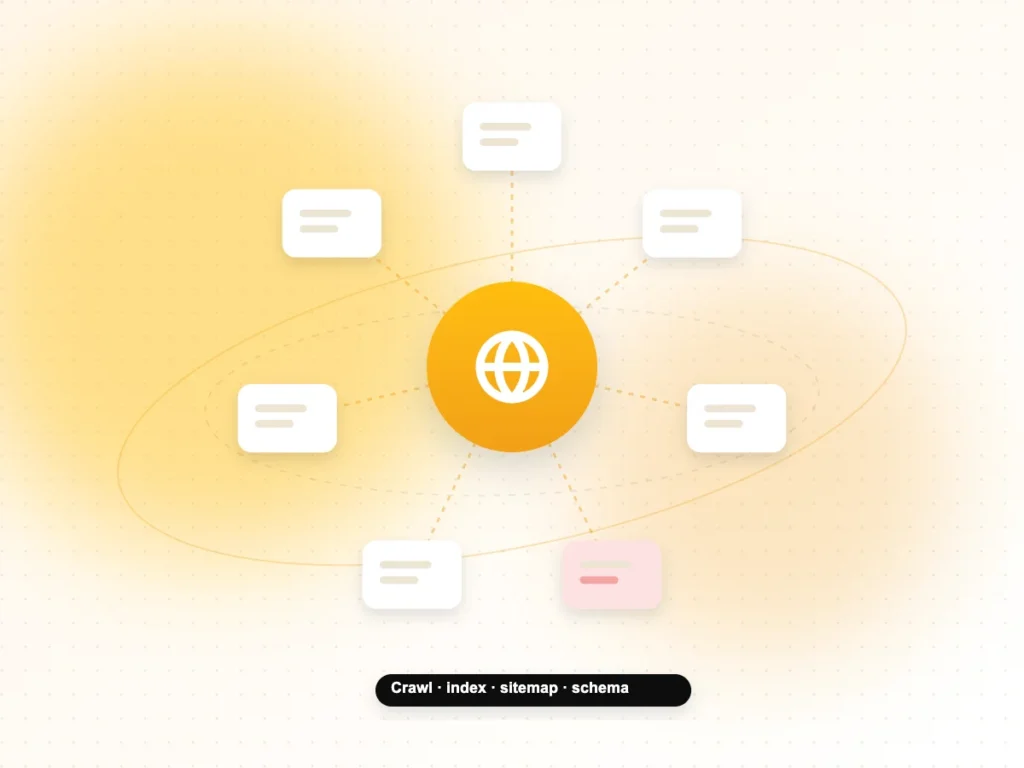
- Add VideoObject structured data and include the video in a sitemap.
- Share the video on your social channels; our social media optimisation work covers this step.
Video SEO FAQs
Does embedding a YouTube video on my website help SEO?
It can help, as long as the video is relevant to the page. Google can find videos embedded with an iframe, and a useful video can make a page more helpful to visitors. For the video itself to appear in Google’s video results, the page should be indexed and ideally be a watch page, where the video is the main content rather than an extra at the bottom.
Do YouTube tags still matter?
Only a little. YouTube’s own Help Centre says tags play a minimal role in discovery and are mainly useful when people commonly misspell your topic. Your time is better spent on a clear title, a useful description whose first lines explain the video, accurate chapters and a thumbnail that matches the content.
How long does it take for a video to show up in Google?
There is no fixed timeline. Google first needs to crawl and index the page the video is embedded on, then process the video itself. You can speed up discovery by adding the watch page to your sitemap, linking to it from other pages and using Search Console’s URL Inspection tool to check how Google sees the page.
What is the difference between video SEO and YouTube SEO?
YouTube SEO focuses on ranking inside YouTube search and recommendations. Video SEO is broader: it includes YouTube, but also covers how Google indexes videos on your own website, using watch pages, structured data, video sitemaps and crawlable thumbnails. A business usually needs both to get the most from each video it makes.
Do I need structured data for my videos?
It is not strictly required, because Google can often find videos on its own. However, Google recommends VideoObject structured data because it lets you clearly state the title, description, thumbnail and upload date. It also makes your video eligible for features such as key moments when you add Clip or SeekToAction markup.
Can short videos rank in search?
Yes, short videos can appear in YouTube and Google results if they clearly answer a search. The same basics apply: a specific title, an accurate description and a thumbnail that matches the content. Note that Google’s Clip markup for key moments needs a video of at least 30 seconds, so very short clips will not use that feature.
Need help with video SEO?
If you want your videos to work harder in search, our video SEO services cover YouTube optimisation, watch pages, structured data and reporting. We work with businesses in Noida, across Delhi NCR and the rest of India. Contact our team to talk through your videos and goals.