By PDS Team
Internal linking means linking from one page on your website to another page on the same site. Good internal links help visitors find related information, help Google discover and understand your pages, and show which pages matter most. For most business websites, a few deliberate changes to menus, service pages and blog posts make internal linking much stronger.
This guide covers why internal links matter, how to choose anchor text, where to add links and a simple process to audit your site.
Why does internal linking matter for SEO?
Internal links help Google find your pages, understand what they are about and see how they relate to each other.
Google’s link best practices explain that Google uses links to find new pages and as a signal of relevance. It says every page you care about should have a link from at least one other page on your site. A service page that is only reachable from a forgotten footer link, or a blog post with no links pointing to it, is harder for both Google and visitors to find.
Internal links also guide visitors. A reader on a blog post about choosing an AC can move straight to your AC installation service page, which turns a reader into an enquiry.
What types of internal links are there?
Internal links appear in navigation menus, in the body of pages, in breadcrumbs and in related-content sections.
| Type | Where | Purpose |
|---|---|---|
| Main navigation | Header menu | Links to your most important pages from every page |
| Contextual links | Inside paragraphs | Point readers to related, more detailed pages |
| Breadcrumbs | Above the page title | Show where the page sits in your site structure |
| Related posts or services | End of page or sidebar | Suggest the next useful page |
| Footer links | Bottom of the page | Contact, policies and key service pages |
Contextual links within the main content are often the most useful, because the surrounding text explains why the linked page is relevant.
How should you write anchor text for internal links?
Use short, descriptive anchor text that tells readers and Google what the linked page is about.
- Good: “see our guide to keyword research for small businesses“.
- Weak: “click here”, “read more” or “this page”.
- Over-optimised: repeating the exact same keyword-heavy phrase in dozens of links.
Google’s guidance asks for anchor text that is descriptive, reasonably concise and relevant to both the linking page and the page it points to. Vary the wording naturally. If the anchor reads awkwardly in the sentence, rewrite it.
How do you build a strong internal linking structure?
Organise pages into clear topics, link from broad pages to specific ones and back, and make sure important pages are only a few clicks from the home page.
- Group pages by topic. For example, a “website design” service page with related blog posts on design process, landing pages and mobile design.
- Link down. From the main service page to more specific sub-service pages and guides.
- Link up. From each blog post and sub-page back to the main service page.
- Link across. Between closely related posts, where it helps the reader.
- Keep important pages close to the home page. Key service pages should be reachable from the main menu or the home page.
Blog posts are a natural place for contextual links. Our guide on writing SEO-friendly blog posts covers where to place them in an article.
What internal linking mistakes should you avoid?
Avoid orphan pages, broken links, links that cannot be crawled and pages stuffed with too many links.
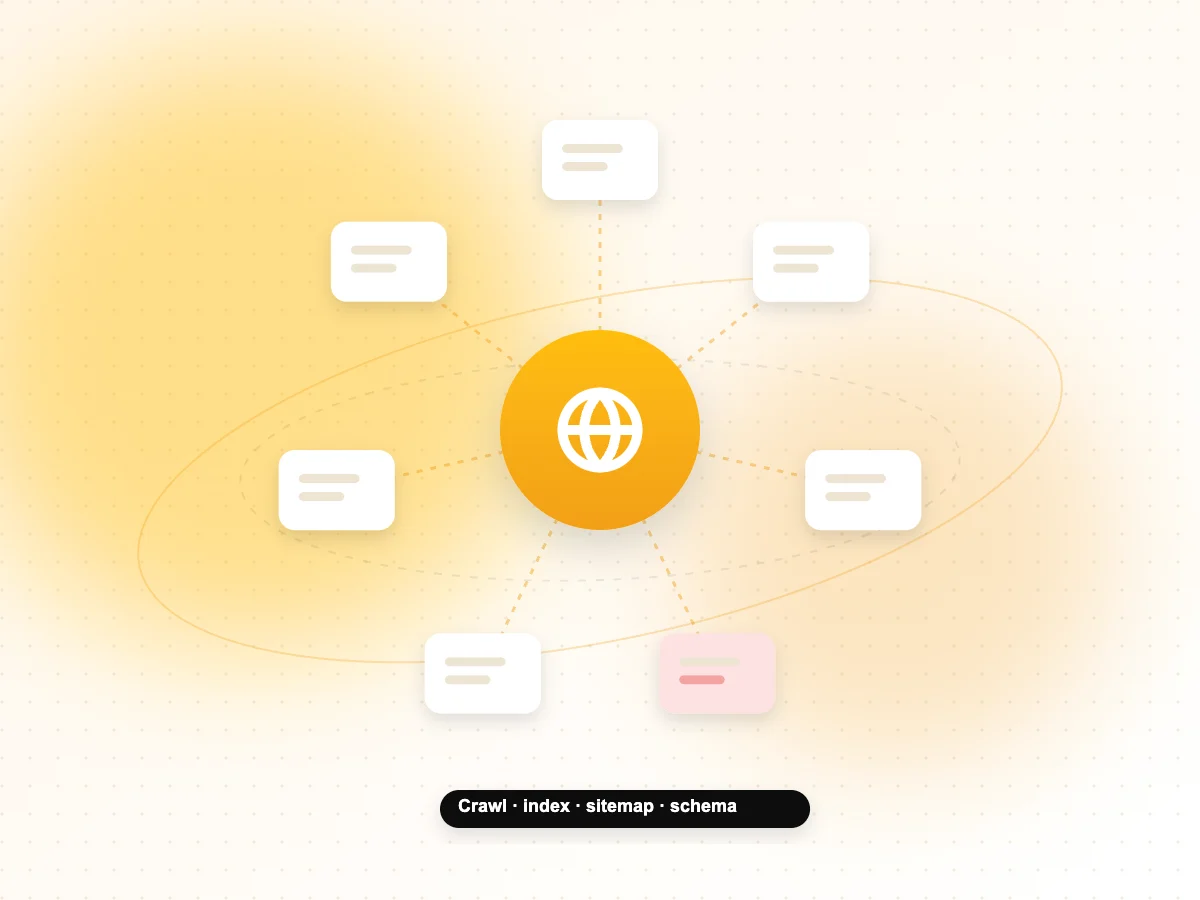
- Orphan pages: pages with no internal links pointing to them. Find them by comparing your sitemap with pages that receive internal links.
- Broken links: links to deleted or moved pages. Fix the link or redirect the old URL.
- Uncrawlable links: Google can reliably follow standard <a href> links. Links that only work through JavaScript click events without an href may not be followed.
- Too many links: a page packed with links makes it hard for readers to know where to go next.
- Redirect chains: internal links pointing to URLs that redirect; update them to the final URL.
- Nofollow on internal links: generally unnecessary for your own pages.
How do you audit your internal links?
Use Search Console’s Links report, a site crawler and your own judgement to find weak spots, then fix the most important pages first.
- In Google Search Console, open Links and check Top internally linked pages. Are your main service pages near the top?
- Run a crawl of your site with a crawler tool to find broken links, redirects and pages with few internal links.
- List your most important pages for enquiries, and check each has links from relevant blog posts and the main menu.
- Add contextual links from strong, relevant posts to pages that need support.
- Repeat the check every few months and whenever you publish new content.
Start your plan with the right topics. Our guide to keyword research for small businesses helps you decide which pages to create and link together. For crawl and site-structure audits, see our technical SEO services.
Internal Linking FAQs
How many internal links should a page have?
There is no fixed number. Add links where they genuinely help the reader find related information. A long guide may naturally link to several pages, while a short page may need only one or two. Focus on relevance and clarity rather than reaching a target count.
Do internal links help rankings?
Internal links help Google discover pages and understand their relevance and relationships, which supports how they rank. They also guide visitors to important pages. They will not make a weak page rank on their own, but they help strong, relevant pages get found and understood.
What is an orphan page?
An orphan page has no internal links pointing to it from the rest of your site. Visitors cannot reach it by browsing, and Google may only find it through your sitemap or external links. Link to important orphan pages from relevant pages, or remove pages that are no longer needed.
Should I use the same anchor text every time?
No. Use descriptive anchor text that fits each sentence naturally. Some variation is normal and reads better. Repeating the same exact keyword-rich phrase in many links can look unnatural and does not make the content more helpful for readers.
Do footer and menu links count as internal links?
Yes. Navigation, footer and breadcrumb links are all internal links and help Google discover pages. Contextual links within the main content add more meaning, because the surrounding text explains why the page is relevant. A good site uses both.
Should internal links open in a new tab?
Usually not. Visitors expect links to pages on the same site to open in the same tab, and they can use the back button to return. Opening external links in a new tab is a common choice, but internal links work best in the same tab.
Want a stronger site structure?
We audit and improve internal linking for websites across Noida, Delhi NCR and India. See our SEO services in Noida or contact our team for a site review.