By PDS Team
To claim your business on ChatGPT, sign in to ChatGPT, open Business Hub from the sidebar, search for your business and verify it by phone, business email, website domain or Shopify. You then complete an identity check with Persona. OpenAI launched “Businesses in ChatGPT” in beta on 10 November 2026, and access is rolling out in stages. Indian businesses, including ours, are on the waitlist for now.
This guide explains what Businesses in ChatGPT is, the exact claim and verification steps, what you can update once verified, what the insights show, and how to get ready while you wait for access in India.
What is Businesses in ChatGPT?
Businesses in ChatGPT is OpenAI’s way for a business to claim its profile in ChatGPT, keep its information accurate and see how people find it.
You manage it through Business Hub inside ChatGPT. OpenAI’s announcement highlights three things a verified business can do:
- Keep information up to date: website, description, category, logo, delivery and return policies, and product feeds with prices and availability.
- See insights: how often ChatGPT mentions your website, how many people click through, and the common topics in those answers.
- Publish a Business Agent: an assistant that answers customer questions about your products and policies. This is only for eligible businesses.
OpenAI says ChatGPT is used by 1.2 billion people each week, which is why a correct business profile is worth the effort.
Is Businesses in ChatGPT available in India?
Not fully yet. OpenAI says claiming is open to eligible businesses where ChatGPT is available and where the required verification is supported. It has not published a country list.
In practice, access is being opened in stages. We joined the waitlist for Perfect Digital Solution, and in November 2026 OpenAI emailed that it is “expanding access” so more waitlisted businesses can get started. Some features are clearly US-first:
| Feature | Who can use it now (Nov 2026) |
|---|---|
| Claim and verify a business | Eligible businesses where ChatGPT and the verification are supported, rolling out gradually |
| Add a new local store or restaurant listing | US only. Local businesses elsewhere can only claim a listing that already exists, where available |
| Business Agent | Eligible ecommerce and online service businesses in the US with a website |
| Insights | Verified businesses, once activity reaches OpenAI’s reporting thresholds |
OpenAI says it plans to expand to more markets and business categories. If you haven’t got access yet, use the waiting time to prepare (see the checklist below).
How do you claim your business on ChatGPT?
Find your business in Business Hub, confirm the account that will manage it, and complete a verification method.
- Sign in to ChatGPT with the account you want to manage the business from. Using a work account on your company domain keeps ownership clear if staff change.
- Open Business Hub from the ChatGPT sidebar and search for your business by name.
- Select the matching listing and confirm the ChatGPT account that will manage it. If you received a claim invitation email, open its personal link and sign in with the email address that received it.
- Add your business if it isn’t listed. Eligible online businesses may see an option to add it. OpenAI says local stores and restaurants can currently only claim an existing US listing.
- Choose a verification method and follow the prompts (details in the next section).
- Wait for review. OpenAI reviews the claim and emails you a decision or asks for more information. You can cancel the claim while it is under review.
If a listing shows “Contact support”, it is locked and you need to contact OpenAI Support. If someone else has already claimed your business, use “Dispute ownership” from the profile’s menu and verify with Persona.
How do you verify your business on ChatGPT?
You verify that you control the business by phone, email, website domain or Shopify, then verify your identity with Persona.
| Method | How it works |
|---|---|
| Business phone | Get a code by SMS or automated call and enter it |
| Business email | Get a code at your business email address and enter it |
| Website domain | Add the TXT record ChatGPT shows to your domain’s DNS, copying the type, host and value exactly, then select Verify domain |
| Shopify store | Select Connect Shopify, log in to your store and follow the prompts |
Then complete Persona identity verification. OpenAI says you may need a government-issued ID, business registration information and proof that you are authorised to represent the business. You must pass it before you can publish changes, view insights or create a Business Agent. The blue verified check appears only after Persona approves you.
Two tips from setting this up:
- Match your official records exactly. OpenAI says the business name, address and registration or tax number must match your official records. For Indian businesses, use the legal name and details on your incorporation certificate and GST registration.
- Add the DNS record before you start. DNS changes can take time to appear. If your domain is with a slow DNS provider, add the TXT record, wait, then select Verify. Our technical SEO team handles DNS records like this for clients every week.
Note that OpenAI’s approval publishes a new profile automatically, and a published profile cannot be deleted or hidden, only draft profiles can. Check your details carefully before you submit.
What can you update after you claim your business?
After Persona approval, you can update your website, description, category, logo, cover photo, delivery and return policies, and connect a product feed.
- Business details: OpenAI reviews changes before they go live, and updates can take time to appear.
- Product feed: connect Shopify, upload a CSV that follows OpenAI’s product feed specification, or give a hosted feed URL. Products must follow OpenAI’s Commerce policies.
- Team access: admins can add teammates and agencies to help manage the profile.
- Locations: claiming the main brand does not claim its locations, and central management across brands and locations isn’t available yet.
What insights does ChatGPT show businesses?
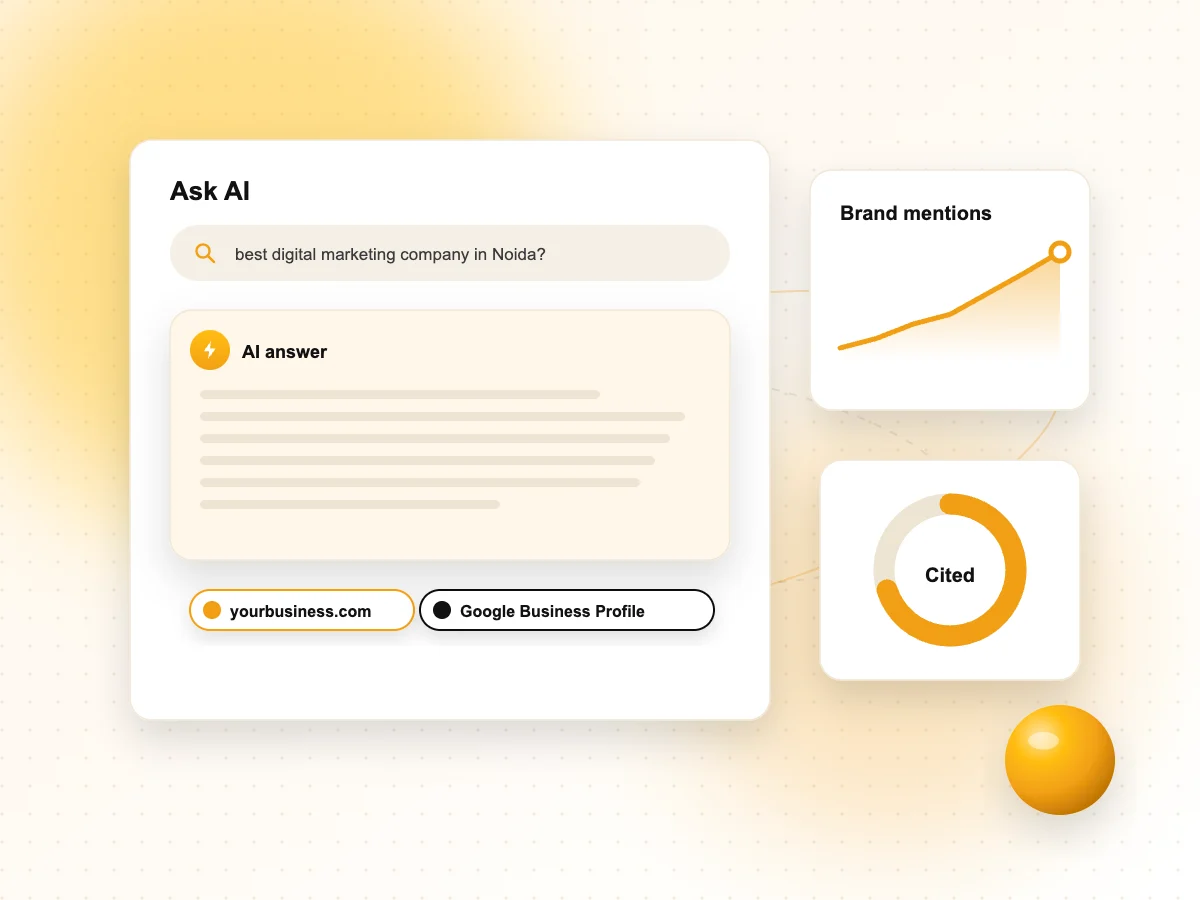
Verified businesses see aggregate activity over the past 28 days: mentions, website clicks and discovery topics.
- Mentions: for an online business, a mention counts when ChatGPT references your website. OpenAI says the brand name alone doesn’t count.
- Website clicks: how often people click through to your site from ChatGPT.
- Discovery topics: common themes in ChatGPT answers that mentioned or cited your business.
OpenAI does not share individual prompts or conversations with businesses. A blank metric can simply mean activity is below the reporting threshold, not that you have zero activity. For a wider view across ChatGPT, Gemini, Perplexity and Google AI Overviews, an AI visibility audit tests real customer prompts and shows how each tool describes your brand.
What is a ChatGPT Business Agent?
A Business Agent is an assistant that answers customers’ questions about your products and policies inside ChatGPT, in a clearly labelled chat that is separate from the user’s own conversation.
For now it is only for eligible ecommerce and online service businesses in the US with a website, and they must follow OpenAI’s Business Agents Policy. You review the information it uses, test it with sample questions and then publish it. It can explain products and policies and link to your website, but it cannot complete purchases, make bookings or check orders.
Does claiming your business improve your ranking in ChatGPT?
No. OpenAI says claiming lets you manage your information but does not guarantee more visibility or give you control over ChatGPT’s independent recommendations.
OpenAI also says advertising doesn’t influence ChatGPT’s independent answers. What a claimed profile does is help ChatGPT show correct details about you. Being recommended still depends on being a trusted, well-documented business across the web. Our guides on getting your business mentioned in ChatGPT, Gemini and Perplexity and generative engine optimisation (GEO) explain how that works.
How can Indian businesses prepare while on the waitlist?
Get your business details consistent everywhere, so verification is quick and ChatGPT already has accurate information about you.
- Join the waitlist and watch for OpenAI’s access email at the address you used.
- Keep legal documents ready: incorporation certificate, GST registration, PAN and the ID of the person who will verify.
- Set up a work email on your domain and make sure your business phone can receive SMS or calls.
- Check DNS access: know who controls your domain so you can add a TXT record quickly.
- Make your website clear: an About page, contact details, services or products, and delivery and return policies that match what you’ll enter in Business Hub.
- Align your listings: keep your name, address and phone number identical on your website, Google Business Profile and directories.
- Check AI crawler access: make sure your robots.txt isn’t blocking OpenAI’s search crawler. See our guide on AI crawlers and robots.txt.
Businesses in ChatGPT FAQs
Is Businesses in ChatGPT available in India?
It is rolling out gradually. OpenAI launched the beta on 10 November 2026 and says claiming is open where ChatGPT and the required verification are supported, without listing countries. Indian businesses, including ours, are on the waitlist and access is opening in stages. OpenAI says it plans to expand to more markets, so wider availability in India should follow. Business Agents are currently US-only.
How do I join the waitlist for Businesses in ChatGPT?
Start in Business Hub in ChatGPT and search for your business. You can also sign up for updates on OpenAI’s Businesses in ChatGPT page. OpenAI emails businesses on the waitlist as access expands, as it did in November 2026. Use your business email address so the invitation reaches the right person.
Is it free to claim my business on ChatGPT?
OpenAI doesn’t list any fee for claiming, and says you don’t need an Ads account or a ChatGPT Enterprise agreement. Claiming, publishing a Business Agent and advertising are separate. Paid ChatGPT Ads exist, but they are optional.
What documents do I need to verify my business?
For Persona identity verification, OpenAI says you may need a government-issued ID, business registration information and proof that you can represent the business. Indian businesses should keep their incorporation certificate, GST registration and PAN ready, with details matching exactly what you enter.
Can an agency claim the business for me?
OpenAI says you can claim a business if you own it or are authorised to represent it. We recommend the owner claims it with a company account and then adds the agency as a teammate. That way the business keeps control of its profile.
Can I delete my business profile from ChatGPT?
Only unpublished draft profiles can be deleted. OpenAI says Support cannot delete, unpublish or hide a published profile. You can keep the information accurate by updating it in Business Hub.
Will claiming my business make ChatGPT recommend me more?
Not directly. OpenAI says claiming does not guarantee more visibility or control over ChatGPT’s independent recommendations. It helps ChatGPT show correct details. Recommendations depend on your reputation and how clearly your business is described across trusted websites.
Can a local shop or restaurant in India claim its listing?
OpenAI says local stores and restaurants can currently claim only an existing US listing. Indian local businesses may need to wait until OpenAI expands local listings to India. Meanwhile, keep your Google Business Profile and website accurate, because AI tools draw on these sources.
Want your business to show up correctly in AI answers?
We help businesses in Noida, Delhi NCR and across India prepare for ChatGPT, Gemini and Google AI search, from verification-ready websites to AI visibility checks. See our GEO services, book an AI visibility audit or contact us.