By PDS Team
For Meta ads lead generation, you have three main ways to collect enquiries: instant forms inside Facebook and Instagram, click-to-WhatsApp ads that start a chat, and ads that send people to a landing page on your website. Instant forms are the quickest for people to complete, WhatsApp suits businesses that sell through conversation, and a website gives you the most control and tracking.
This guide compares the three routes, explains the tracking you need for each and shows how to choose for your business.
What are your options for Meta ads lead generation?
Meta ads lead generation usually runs through one of three destinations: an instant form, a WhatsApp chat or your own website.
| Point | Instant form | Click-to-WhatsApp | Website landing page |
|---|---|---|---|
| Where the lead happens | Inside Facebook or Instagram | In a WhatsApp chat | On your own site |
| Effort for the user | Low | Low, but they must type or tap | Higher, the page must load |
| What you receive | Form answers | A live conversation | Form answers plus site behaviour |
| Tracking needed | Lead download or CRM sync | Chat follow-up process | Meta Pixel and Conversions API |
| Best for | Simple enquiries, callbacks | Questions before buying, local services | Higher-value services, detailed offers |
Our Meta ads services cover all three routes, from campaign set-up to the tracking behind it.
How do instant forms work in Meta lead ads?
Instant forms let people request information without leaving Facebook or Instagram, and Meta can fill in details they have already shared with the platform.
According to Meta’s developer documentation, lead ads are ads with a sign-up form that use information people have already shared with Facebook. That makes forms quick on mobile, which is also why some leads can be casual.
More volume vs higher intent
When you build an instant form in Ads Manager, you choose a form type:
- More volume: a short form that is quick to submit. It suits simple offers where you will call everyone back anyway.
- Higher intent: adds a step where the person reviews and confirms their answers before submitting. Meta’s documentation describes this as a confirmation flow added to the submission process.
If your sales team complains about wrong numbers or people who do not remember filling the form, try the higher intent type and add one or two custom questions that a serious buyer can answer easily, such as their city or the service they need.
Getting leads to your team fast
Leads can be downloaded from Meta’s Leads Center in Meta Business Suite, or sent to your CRM. Meta’s documentation explains that webhooks can send an update every time a new lead is submitted, so your system can fetch it straight away. Whatever method you use, call or message new leads quickly while they still remember your ad.
When should you use click-to-WhatsApp ads?
Use click-to-WhatsApp ads when your customers usually want to ask a question before they commit, and you can reply quickly.
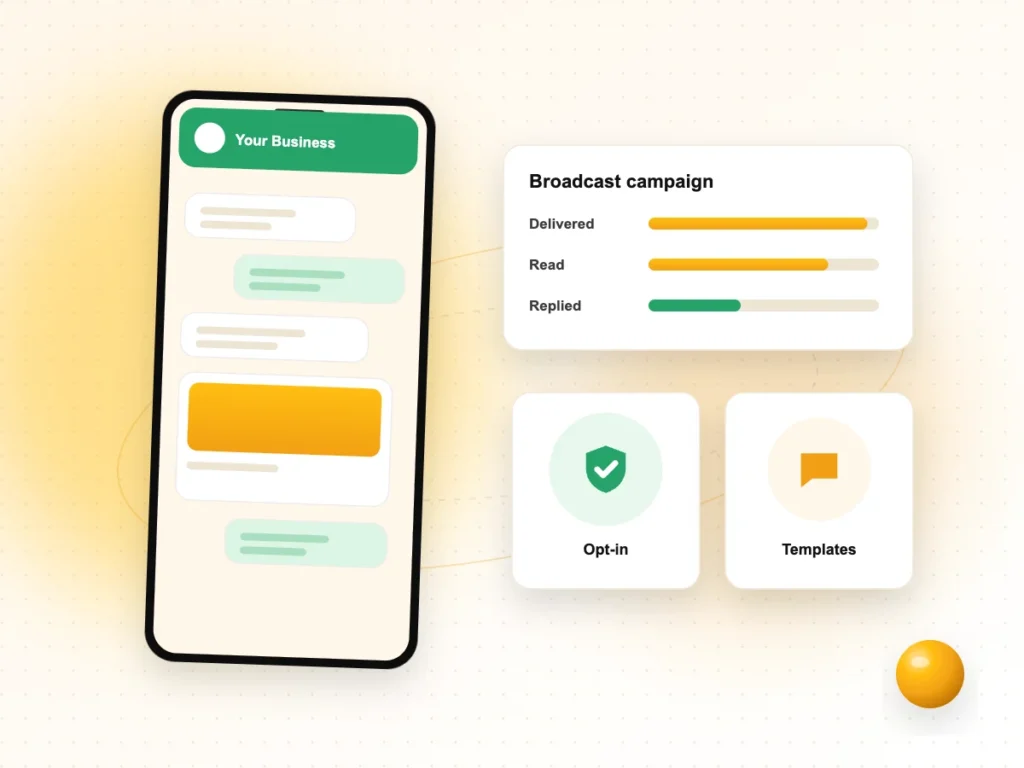
These ads open a WhatsApp chat with your business instead of a form. That suits clinics, coaching institutes, real estate, home services and shops where a quick conversation closes the sale. It also gives you a direct line to the customer for follow-ups.
A few points to plan for:
- Response time. A chat lead expects a reply. Set business hours, a greeting message and someone responsible for replies.
- First reply. Plan what you will say when a new chat arrives, including one question that tells you what the person needs.
- The customer service window. On the WhatsApp Business Platform, a 24-hour customer service window opens when a customer messages you. Within it you can reply freely; outside it you need approved message templates.
- Free entry point. Meta’s pricing documentation describes a free entry point window for conversations that start from a click-to-WhatsApp ad, during which Meta does not charge for the messages the business sends.
If you plan to run WhatsApp at scale, our WhatsApp marketing services can set up the account, templates and reply process.
When is a website landing page the better choice?
A website landing page is the better choice when your offer needs explaining, when you want stronger lead quality or when you want full control over tracking and follow-up.
Sending people to your site adds a step, but it also lets them read about your service, see your work and decide before they enquire. People who fill a form after reading a page often know more about what they are asking for.
A good lead generation landing page has:
- A headline that matches the ad, so people know they are in the right place.
- A short explanation of the offer, who it is for and what happens next.
- A simple form with only the fields you really need.
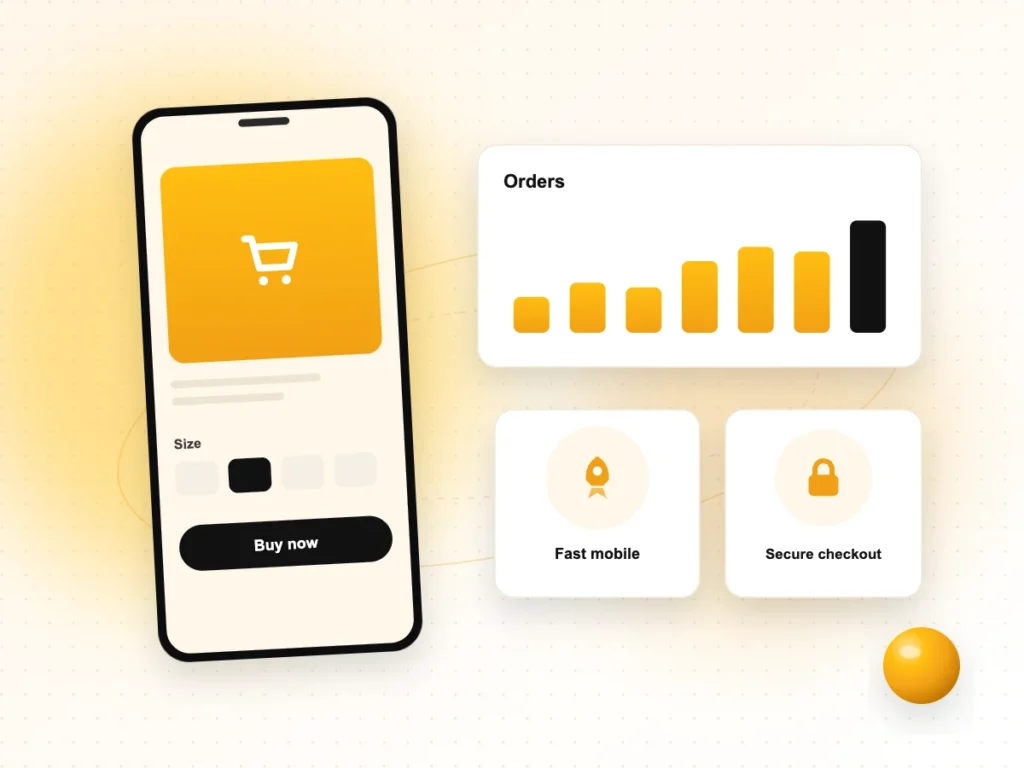
- A fast-loading mobile layout, since many people will open it on a phone.
- A thank-you page, which also makes conversion tracking easier.
How do you track leads with the Meta Pixel and Conversions API?
Install the Meta Pixel on your website and send the same events through the Conversions API, so Meta can count leads reliably and optimise your ads.
Meta Pixel
The Pixel is code on your website that records actions people take. Meta’s list of standard events includes Lead (when a sign-up is completed), Contact (when someone contacts your business by phone, SMS, email or chat) and CompleteRegistration. Fire the Lead event on your thank-you page or form submission.
Conversions API
The Conversions API sends events from your server rather than the browser. Meta recommends running it alongside the Pixel, which it calls a redundant set-up. Because the same lead may then arrive twice, Meta deduplicates events when the event name and event ID match between the Pixel and the server event.
Tracking checklist
- Pixel installed on every page of the site.
Leadevent fires once per real submission.- Conversions API sends the same event with a matching event ID.
- Events checked in Events Manager before launch.
- Your privacy policy explains how you use the data you collect.
How do you choose the right route for your business?
Choose the route that matches how your customers like to buy and how your team follows up, then test it against one alternative.
- You call every lead back: start with instant forms, using the higher intent type if quality is a problem.
- Customers ask a lot of questions first: start with click-to-WhatsApp and make sure someone replies quickly.
- Your service is high value or complex: send traffic to a focused landing page with full tracking.
Judge each route by what happens after the lead: how many become real conversations, site visits or sales. A cheaper lead that never answers the phone is not a better lead. Keep a simple sheet that tracks each lead’s source and outcome, and review it every week. If you are still deciding whether you need organic social, paid social or both, read our guide on the difference between SMO and SMM.
Meta ads lead generation FAQs
Are Facebook lead ads good for small businesses?
They can be, especially for services where a phone call or visit closes the sale. Instant forms are easy for people to fill on mobile, so you can collect enquiries without building a landing page. The trade-off is that some leads may be casual. Follow up quickly and use the higher intent form type if quality becomes an issue.
Why are my Meta lead ads bringing low-quality leads?
Common causes are a very short form, a vague offer and slow follow-up. Try the higher intent form type, which adds a review step before submission, and add a qualifying question such as location or budget range. Make sure your ad states clearly who the offer is for, and contact new leads while they still remember your ad.
Do I need a website to run Meta lead generation ads?
Not strictly. Instant forms and click-to-WhatsApp ads both work without sending people to a website. However, a website still helps people check that your business is genuine, and it gives you a landing page option for more detailed offers. You will also need a privacy policy that explains how you use the data you collect.
What is the difference between the Meta Pixel and the Conversions API?
The Meta Pixel records actions in the visitor’s browser, while the Conversions API sends events from your server. Meta recommends using both together. When you do, give each event a matching event name and event ID so Meta can remove duplicates and count each lead only once in your reporting.
Should I use instant forms or WhatsApp ads?
Use instant forms if your team calls every lead and only needs basic details. Use click-to-WhatsApp ads if customers usually want to ask questions first and you can reply fast during business hours. If you are unsure, run both with the same offer and audience for a few weeks and compare how many leads turn into real conversations.
How do I get Facebook leads into my CRM?
You can download leads from Leads Center in Meta Business Suite, connect a CRM that offers a Meta integration, or build a custom connection. Meta’s documentation explains that webhooks can notify your system each time a new lead is submitted, so it can fetch the details straight away and assign them to your team.
Need help with Meta lead generation?
If you want a lead generation set-up that brings real enquiries, from forms to WhatsApp to landing pages with proper tracking, our Meta ads services can plan and run it. We work with businesses in Noida, Delhi NCR and across India. Contact our team to discuss your campaign.