By PDS Team
An ecommerce SEO checklist helps you make sure Google can find every product you sell, understand what each page is about and show it to shoppers with prices and availability. For most Indian online stores, the work falls into five areas: site structure, clean URLs, product data, duplicate control and ongoing monitoring in Search Console.
This checklist follows Google’s own ecommerce guidance, so you can work through it in order whether you run on Shopify, WooCommerce or a custom platform.
What should an ecommerce SEO checklist include?
An ecommerce SEO checklist should cover how products are linked, how URLs are built, how product data reaches Google, how duplicates are handled and how you track results.
Online stores have problems that a five-page business website never faces. Hundreds of products, colour and size variants, filters, sort orders and out-of-stock items can all create extra URLs. If these are not controlled, Google may spend its time on near-duplicates while your best products wait to be found.
Here is the full checklist at a glance:
| Area | Check | Done? |
|---|---|---|
| Structure | Every product is linked from at least one category page | ☐ |
| Structure | Best sellers are linked from the home page | ☐ |
| URLs | Readable words in URLs, one consistent letter case | ☐ |
| URLs | No session IDs or tracking codes in internal links | ☐ |
| Product data | Product structured data with price and currency | ☐ |
| Product data | Merchant Center feed submitted | ☐ |
| Duplicates | Canonical tags agree with sitemaps and internal links | ☐ |
| Pagination | Each category page has its own URL and crawlable links | ☐ |
| Monitoring | Page indexing and Merchant listings reports reviewed | ☐ |
If you would like a team to run these checks and fix what they find, our ecommerce SEO services in India cover audits, product data and category page work.
How should you structure categories and internal links?
Build a clear path from the home page to categories, then sub-categories, then products, and link directly to every product you want indexed.
Google’s ecommerce guide says Googlebot generally does not type into your site search box. A product that can only be found by searching on your store may never be discovered. Google strongly recommends linking to all products you want indexed.
- Make category pages link to every product in that category, not just the first few.
- Link best-selling products from the home page, blog posts or newsletters. Google uses the number of internal links to a page as a clue to its importance.
- Use normal
<a href>links. Menus that only work through JavaScript click events on other elements may not be followed. - Write link text that says what the page is, such as “cotton kurtas for women”, instead of “click here”.
If you cannot link to every product, a sitemap or a Merchant Center feed can help Google find the rest.
How do you build clean ecommerce URLs?
Use descriptive words in your URLs, keep one letter case and avoid parameters that change every visit.
Google gives the example of /product/black-t-shirt-with-a-white-collar as more useful than /product/3243. Readable URLs help shoppers too, because they can see what a link is before they click it.
URL rules from Google’s ecommerce guide
- Use
key=valueparameters, such as?color=green, not?green. - Do not repeat the same parameter. Use
?type=candy,sweetinstead of?type=candy&type=sweet. - Do not use
#fragments to show different products. Google does not use fragments in indexing, so#blackand#whitecount as one page. - Keep session IDs, tracking codes and time-based values out of internal links.
- Use the same form of each URL everywhere: in links, sitemaps and canonical tags.
Changing URLs on a live store affects rankings, so plan any clean-up with redirects. Our Shopify and WooCommerce development team can help when a theme or plugin controls how URLs are built.
How do you share product data with Google?
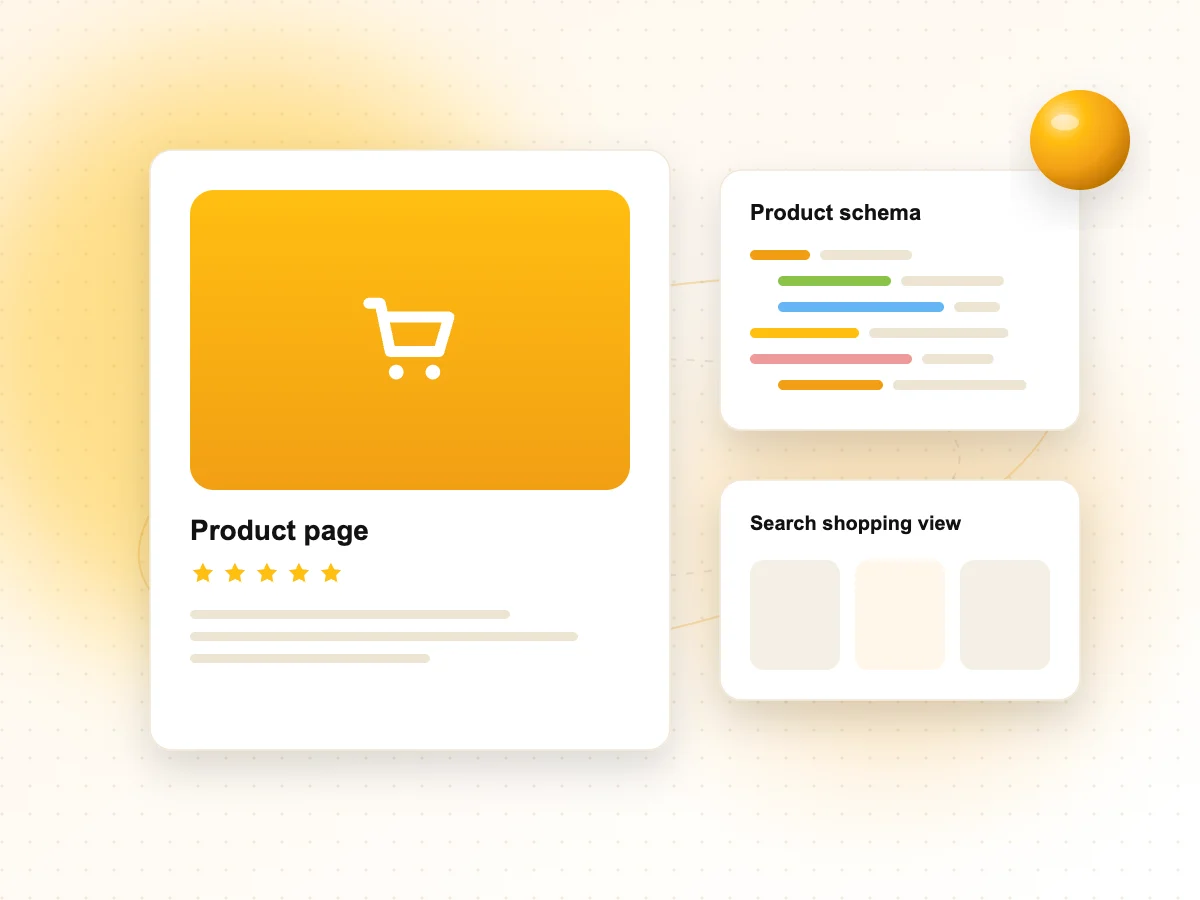
Add Product structured data to your product pages and submit a product feed in Google Merchant Center, because Google says using both gives you the widest eligibility.
Product structured data
For pages where shoppers can buy from you, Google calls this merchant listing markup. The required properties are name, image and offers, and each offer needs a price and a currency, such as INR. Recommended properties include availability, brand, gtin or mpn, sku, shippingDetails and hasMerchantReturnPolicy.
Google advises putting Product markup in the initial HTML. Markup added later by JavaScript can make crawls for fast-changing price and stock data less frequent and less reliable.
Merchant Center free listings
Free listings let your products show on Google at no cost, for example on the Shopping tab, in Google Images and in Lens results. New Merchant Center accounts are opted in by default. Your feed needs attributes such as id, title, description, link, image link, price and availability, and Google asks for return policy information too.
Being opted in gives permission to show your products, but Google does not promise that they will appear.
How do you stop duplicate pages from splitting your rankings?
Choose one canonical URL for each product and category, and make your redirects, canonical tags and sitemaps all point to it.
Duplicates on stores usually come from tracking parameters, “http” and “https” versions, “www” and non-www hosts, and product variants. Google treats redirects and rel="canonical" as strong signals and sitemap inclusion as a weak one.
| Situation | What to do |
|---|---|
Variants on their own URLs (/t-shirt/green) | Point the canonical tag to the main product URL, or mark up variants as a product group |
Variants selected by a parameter (?color=green) | Use the URL without the parameter as the canonical |
| Old URL replaced by a new one | Use a permanent redirect to the new URL |
| Category with no products | Add noindex, or return a 404 if the category is removed |
Google warns against using robots.txt or noindex to pick a canonical. Use rel="canonical" for that job.
How should you handle pagination and “load more” buttons?
Give every page of a category its own URL, link the pages together with normal links and give each page its own canonical.
- Use a parameter such as
?page=2, not a#fragment. - Do not point every page’s canonical to page one. Google says page one should not be the canonical for the whole series.
- Google no longer uses
rel="next"andrel="prev", so do not rely on them. - Google’s crawlers do not click buttons. If you use infinite scroll or “load more”, also provide crawlable links to each page.
- For sort orders and filters you do not want indexed, use
noindexor block those URL patterns in robots.txt.
Filters are the biggest source of extra URLs on most stores. They need a plan of their own, and our technical SEO services team often starts there.
What should you monitor in Search Console?
Check the Page indexing report, the Merchant listings and Product snippets reports, and the Performance report on a regular schedule.
- Page indexing: confirm your key products and categories are indexed and look for soft 404s on out-of-stock items.
- Merchant listings and Product snippets: these show errors and warnings in your Product structured data.
- Sitemaps: submit your product and category sitemaps and check for errors.
- Performance: compare clicks and impressions for product pages against category pages.
Test new templates with the Rich Results Test before they go live. If you are planning a new store or a rebuild, involve SEO from the start; our website development services page explains how we approach builds.
Ecommerce SEO Checklist FAQs
How long does ecommerce SEO take to show results?
There is no fixed timeline. Technical fixes such as indexing errors can show up in Search Console within weeks of Google recrawling the pages. Content and category improvements usually take longer, because Google has to recrawl, reprocess and compare your pages with others. Be wary of anyone who promises a date for rankings.
Should I focus on category pages or product pages first?
Start with category pages in most cases. They target broader searches, link to many products and are fewer in number, so improvements reach more of the store. Product pages still matter, especially for brand and model searches, so fix their structured data and duplicate issues at the same time.
What should I do with out-of-stock products?
If a product will return, keep the page live, mark it out of stock in your structured data and feed, and suggest alternatives. If it is gone for good, redirect it to a close replacement or the parent category when that is genuinely useful, or return a 404. Avoid pages that look empty but return a success code.
Is Google Merchant Center free?
Yes, creating a Merchant Center account and showing products through free listings costs nothing. You need a product feed with the required attributes and must follow Google’s policies. Paid Shopping ads use the same feed, but they are optional and run through Google Ads.
Do I need structured data if I have a Merchant Center feed?
It is best to use both. Google says providing structured data on your pages and a Merchant Center feed maximises your eligibility for shopping experiences in Search. Google can also combine them, for example using feed prices when page markup does not include them.
Does Shopify or WooCommerce handle ecommerce SEO automatically?
Both platforms give you a good starting point, but neither makes these decisions for you. You still need to check how themes and apps create URLs, canonicals, filters and structured data, and whether your product content is useful. A short audit after setup usually shows what needs attention.
Need help with ecommerce SEO?
If your products are not getting indexed or your category pages are not ranking, our ecommerce SEO services in India can work through this checklist with you. We work with online stores in Noida, Delhi NCR and across India. Contact our team to request an ecommerce SEO audit.
References
- Google Search Central: Help Google understand your ecommerce site structure
- Google Search Central: Designing a URL structure for ecommerce sites
- Google Search Central: Merchant listing (Product, Offer) structured data
- Google Search Central: Pagination and incremental page loading
- Google Merchant Center Help: Free listings for products