By PDS Team
The WhatsApp Business API vs app choice depends on scale: the WhatsApp Business app is a phone app built for small business owners who reply to customers themselves, while the WhatsApp Business Platform (often called the WhatsApp API) lets larger teams connect WhatsApp to their own systems, automate messages and send approved templates at scale. Many businesses start on the app and move to the Platform when chat volume or automation needs grow.
This guide explains what each option does, the rules that apply to the Platform and how to decide which one fits your business.
What is the WhatsApp Business app?
The WhatsApp Business app is a separate app from regular WhatsApp, designed for small business owners who manage customer chats by hand.
WhatsApp describes the app as “built with the small business owner in mind”. It runs on Android and iPhone and gives you business tools on top of normal chat, including:
- A business profile with helpful information for customers in one place.
- A way to showcase products and services, set prices and share items with customers in a few taps.
- Greeting and away messages, so people get an automatic reply when they first message you or when you are unavailable.
The app suits shops, clinics, tutors, salons and service providers where one person or a small team handles every conversation personally.
What is the WhatsApp Business Platform (API)?
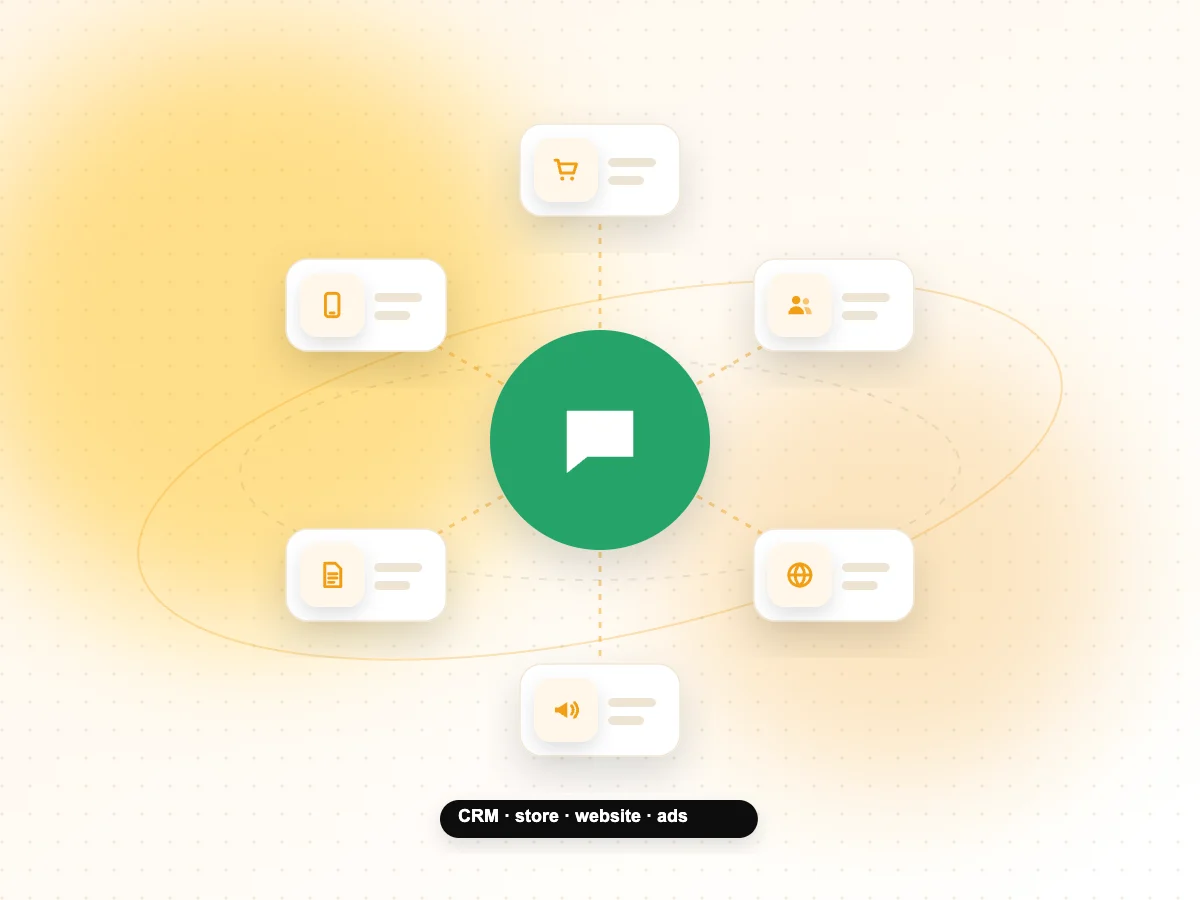
The WhatsApp Business Platform is Meta’s set of business messaging APIs that connect WhatsApp to your CRM, website, support tools or chatbot, so you can manage conversations at scale.
There is no Platform app to download. Instead, you access it through software. WhatsApp describes two routes: working with a partner that handles the technical set-up for you, or connecting directly if you have your own phone number and developers. Meta’s partners for this are commonly called Business Solution Providers (BSPs).
The Cloud API is Meta’s way to send and receive messages programmatically. With the Platform you can:
- Integrate WhatsApp with back-end systems such as a CRM or marketing automation tool.
- Send approved message templates for order updates, reminders, sign-in codes and marketing.
- Build automated flows and chatbots, with hand-over to human agents.
- Let several team members handle chats through a shared inbox tool.
If you are planning a move to the Platform, our WhatsApp marketing services cover set-up, templates and campaign planning.
WhatsApp Business API vs app: what are the main differences?
The main differences are who sends the messages, how many people can use the account, what you can automate and how you pay.
| Point | WhatsApp Business app | WhatsApp Business Platform (API) |
|---|---|---|
| Built for | Small business owners | Growing and larger businesses |
| How you use it | Phone app | Through a partner tool or your own software |
| Automation | Greeting and away messages | Chatbots, automated flows, CRM triggers |
| Messaging customers first | Manual chats from the phone | Approved message templates with opt-in |
| Integrations | Limited | CRM, website, support and marketing tools |
| Cost | No Platform message charges | Meta charges per message, plus any partner fees |
| Set-up effort | Minutes | Business verification, number set-up, templates |
What rules apply when you use the WhatsApp Business Platform?
The Platform has three rules every business must plan around: customer opt-in, the 24-hour customer service window and approved message templates.
Opt-in comes first
Meta’s developer documentation states that businesses must obtain opt-in before messaging people on WhatsApp. The opt-in must clearly say that the person is agreeing to receive messages from your business and must name your business. You can collect it through your website, an SMS, an IVR phone flow or in person on paper. Meta also advises giving clear instructions on how to opt out and honouring those requests.
The 24-hour customer service window
When a customer messages or calls your business, a 24-hour customer service window starts, and each new message from the customer resets it. While the window is open, you can send normal, free-form replies. Once it closes, you can only send template messages.
Message templates
Templates are the only type of message you can send to a customer outside a customer service window. Meta groups them into three categories:
- Marketing: offers, announcements and re-engagement messages.
- Utility: updates linked to something the customer did, such as an order or booking.
- Authentication: one-time passcodes for sign-in or verification.
Write templates clearly and match each one to the right category, because the category affects both approval and cost.
How does WhatsApp Business Platform pricing work?
Since 1 July 2025, Meta charges for the WhatsApp Business Platform per message instead of per conversation.
Under the older model, Meta charged for 24-hour conversations. Meta’s pricing documentation confirms that per-message pricing took effect on 1 July 2025 and replaced conversation-based pricing. Under the current model:
- Marketing, utility and authentication templates are charged per message, at rates that vary by country and category.
- Utility templates sent in reply to a customer within an open customer service window became free from 1 July 2025.
- Free-form service replies within the window were not charged at the time of writing, as Meta made service conversations free from November 2024.
Rates and rules change, so check Meta’s pricing page for the current figures in India before you plan a campaign. If you use a partner, ask how their fees are added on top of Meta’s charges.
Which should your business choose?
Choose the app if you reply to customers yourself and volume is manageable; choose the Platform if you need several agents, automation, integrations or large opted-in message lists.
Signs the app is enough:
- One person or a small team handles all chats.
- Most conversations start with the customer.
- You do not need to connect WhatsApp to other software.
Signs you need the Platform:
- Messages are being missed because there are too many chats for one phone.
- You want automatic order updates, appointment reminders or sign-in codes.
- You want leads from ads or your website to flow into a CRM.
- You plan to run click-to-WhatsApp ads and need a team to handle replies. Our Meta ads services can run those campaigns alongside your WhatsApp set-up.
How do you move from the app to the Platform?
Plan the move in steps: prepare your business details, choose a partner or direct route, set up your number and get your first templates approved.
- Prepare business details. Keep your business name, website and documents consistent, as Meta may ask you to verify your business.
- Pick your route. Decide between a partner that offers an inbox and support, or a direct Cloud API set-up if you have developers.
- Decide on the phone number. Check with your partner or Meta’s documentation how your existing number can be used, and back up any chats you want to keep before changing anything.
- Collect opt-ins. Update website forms and checkout pages so customers clearly agree to receive WhatsApp messages from you.
- Create templates. Start with a few utility templates, such as booking confirmations, then add marketing templates.
- Train the team. Agree who replies, how fast and when a chat moves from the bot to a person.
WhatsApp Business app vs API FAQs
Can I use the WhatsApp Business app and API on the same number?
Check this carefully before you switch. How a number can move between the app and the Platform depends on Meta’s current rules and your partner’s set-up. Ask your provider exactly what happens to your existing number and chat history, and back up anything important before making changes so you do not lose customer conversations.
Do I need a developer to use the WhatsApp Business Platform?
Not necessarily. WhatsApp describes a partner-led route where a partner handles the technical set-up with little or no code, and you use their inbox or tools. A developer is mainly needed if you connect directly to the Cloud API or build a custom integration with your own CRM, website or chatbot.
Can I send marketing messages on WhatsApp without opt-in?
No. Meta requires businesses to obtain opt-in before messaging people on the Platform. The opt-in must state that the person agrees to receive messages from your business and must show your business name. Sending unwanted messages also risks customers blocking or reporting you, which can hurt your account’s quality.
What is the 24-hour rule on WhatsApp Business?
When a customer messages your business, a 24-hour customer service window opens. Inside that window you can send normal replies. Each new customer message resets the timer. After the window closes, you can only contact that customer using an approved message template, such as a utility update or a marketing message.
Is WhatsApp API pricing per conversation or per message?
Per message. Meta’s pricing documentation states that per-message pricing took effect on 1 July 2025, replacing the earlier conversation-based model. Charges depend on the template category and the customer’s country. Always check Meta’s current rate card for India, and ask your partner how their own fees are added.
Is the WhatsApp Business app enough for a small business?
For many small businesses, yes. If you handle chats yourself, mostly reply to customers who contact you first and do not need integrations, the app’s business profile, product showcase and greeting and away messages cover the basics. Consider the Platform once chat volume, team size or automation needs outgrow a single phone.
Need help with WhatsApp for your business?
Whether you are setting up the app properly or moving to the Platform with templates and automation, our WhatsApp marketing services can help you plan it. We work with businesses in Noida, Delhi NCR and across India. Contact our team to discuss your requirements.