By PDS Team
The iOS app development process moves through six stages: plan the app, enrol in the Apple Developer Program, design the screens, build in Swift, test with TestFlight and submit through App Store Connect for App Review. Each stage has Apple rules that can delay a launch if you only discover them at the end.
This guide walks through every stage in order, with the official requirements that business owners most often miss.
What are the stages of the iOS app development process?
There are six main stages, and each one produces something you can check before moving on.
| Stage | What happens | What you should have at the end |
|---|---|---|
| 1. Plan | Define users, core features and how the app earns its place on a phone | A short feature list and simple user flows |
| 2. Enrol | Join the Apple Developer Program as an individual or organisation | An active developer account |
| 3. Design | Wireframes and screens based on Apple’s Human Interface Guidelines | Approved screen designs |
| 4. Build | Code the app in Xcode with Swift, often using SwiftUI | A working build with a live backend |
| 5. Test | Share beta builds through TestFlight and fix issues | A stable release candidate |
| 6. Submit | Add metadata, privacy details and screenshots in App Store Connect, then send for review | An approved app, ready to release |
If you would like one team to handle all six stages, our iOS app development services cover planning, design, build, testing and submission.
How should you plan an iOS app before writing code?
Start by writing down who the app is for, the one or two jobs it must do well and why it needs to be an app rather than a website.
That last point matters. Apple’s App Review Guidelines (section 4.2, Minimum Functionality) say an app should be more than a repackaged website and should offer lasting value. Apps that are mainly marketing material, link collections or web clippings are not accepted.
A good plan includes:
- The main users and what they need to get done.
- A first-version feature list, kept small on purpose.
- Whether people will log in, pay inside the app or receive notifications.
- What data you will collect, because this affects your privacy policy and App Store privacy details later.
- Whether you also need an Android version. If so, our Android app development team can plan both together.
Also decide how the app will make money. Apple’s guideline 3.1.1 says that if you sell digital features or content inside the app, such as subscriptions or premium content, you must use in-app purchase.
How do you enrol in the Apple Developer Program?
You enrol as either an individual or an organisation, and organisations need a D-U-N-S Number before they can complete enrolment.
Individual enrolment
You need an Apple Account with two-factor authentication turned on, and you must use your legal name. Apple shows that name as the seller name on the App Store, so a sole proprietor’s personal name will appear on the listing.
Organisation enrolment
If you want your company name to appear as the seller, enrol as an organisation. Apple asks for:
- A legal entity that can sign contracts with Apple. Trade names and branches are not accepted.
- A D-U-N-S Number, a nine-digit identifier issued by Dun & Bradstreet that Apple uses to verify your organisation.
- Legal authority to bind the organisation, held by the person enrolling.
- A work email on your company’s domain and a public, working website on that domain.
Check whether your company already has a D-U-N-S Number early on. If it needs one, request it well before you plan to submit.
How do you design an iOS app that feels native?
Design with Apple’s Human Interface Guidelines open, so your app behaves the way iPhone users expect.
Apple describes the Human Interface Guidelines as guidance and best practices for designing a great experience on any Apple platform. They cover navigation, layout, typography, colour, accessibility and standard controls.
In practice, this means:
- Use familiar navigation patterns instead of inventing new ones.
- Support Dynamic Type and Dark Mode so the app stays readable for everyone.
- Test layouts on small and large iPhone screens, and on iPad if you support it.
- Keep tap targets comfortable and text contrast strong.
Get designs approved before development starts. Changing a screen in a design file is much cheaper than changing it in code.
What do developers use to build iOS apps?
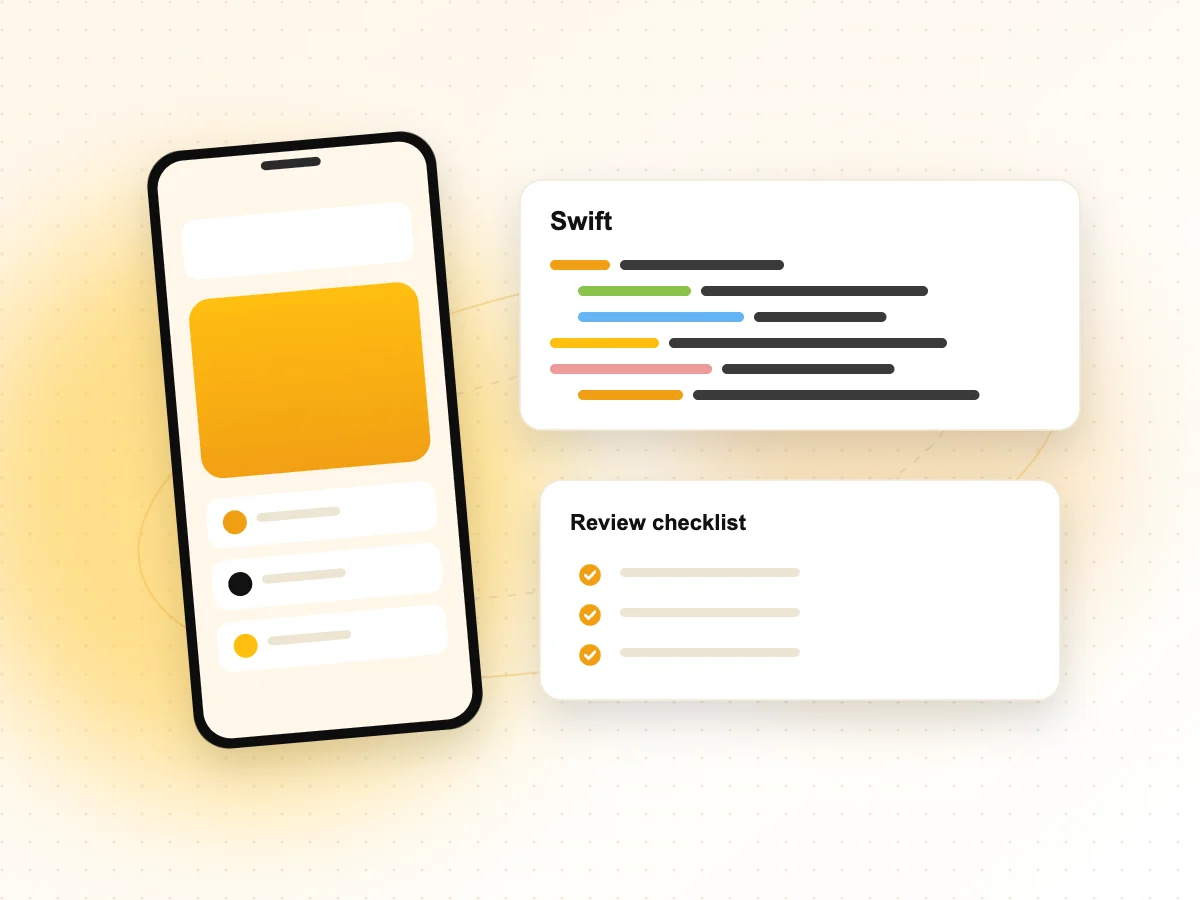
Most new iOS apps are built in Xcode using Swift, with SwiftUI for the user interface.
Apple says SwiftUI uses a declarative syntax, so developers describe what the interface should do and the framework handles the rest. It works alongside UIKit, Apple’s older interface framework, so teams can adopt it step by step in existing apps. Xcode previews show view changes in a canvas as the code is edited, including Dark Mode and different text sizes.
During the build stage, keep these App Review points in mind:
- If users can create an account, the app must also let them delete it from within the app (guideline 5.1.1(v)).
- Add a privacy policy link both in the app and in App Store Connect (guideline 5.1.1).
- Keep backend services live during review, and provide a demo account if the app has a login (guideline 2.1).
How does TestFlight testing work?
TestFlight lets you share beta builds with internal and external testers before the public sees your app.
According to Apple, you can invite up to 100 internal testers from your App Store Connect team and up to 10,000 external testers by email or a public link. The first build you send to external testers goes through App Review first. Each build is available for testing for up to 90 days.
Use testing to catch the problems App Review rejects most clearly. Guideline 2.1 says apps that crash or show obvious technical problems will be rejected, and placeholder text or empty pages should be removed before submission.
A simple test checklist:
- Install on real devices, not just the simulator.
- Test sign-up, login, account deletion and payments end to end.
- Try poor network conditions and interrupted sessions.
- Collect tester feedback in TestFlight and fix issues before the next build.
How do you submit an app through App Store Connect and App Review?
You add your app’s details, screenshots and privacy information in App Store Connect, choose a build and submit it for App Review.
App privacy details are required for every new app and update. Apple asks you to describe what data the app collects and how it is used, including data collected by third-party analytics tools, ad networks and SDKs inside your app. These answers appear on your App Store product page.
Apple says most submissions are reviewed within a day or two. You get status updates by email and in App Store Connect. If you need a critical bug fix reviewed quickly, you can request an expedited review.
If the app is rejected, read the reasons, fix the issue and resubmit. You can reply to App Review in App Store Connect, and if you believe the app was misunderstood, you can appeal to the App Review Board.
You can browse finished apps and websites in our portfolio to see the kind of work our team delivers.
iOS App Development Process FAQs
Do I need a Mac to build an iOS app?
In practice, yes. Apple’s development tool, Xcode, runs on macOS, and it is used to build, sign and upload apps to App Store Connect. If you hire an agency or freelance developer, they will use their own Macs, so you only need an Apple device to install and test the TestFlight builds yourself.
Should my business enrol as an individual or an organisation?
Enrol as an organisation if you want your company name shown as the seller on the App Store. This needs a legal entity, a D-U-N-S Number, a company-domain email and a public website. Individual enrolment is simpler, but Apple shows your personal legal name as the seller, which may not suit a business app.
What is a D-U-N-S Number and why does Apple need it?
A D-U-N-S Number is a nine-digit identifier issued by Dun & Bradstreet. Apple uses it to confirm your organisation’s identity, legal status and address during Apple Developer Program enrolment. Government organisations are excluded from this requirement. Apple’s enrolment page lets you check whether your company already has a number or request one.
Why do apps get rejected by App Review?
Common reasons in Apple’s guidelines include crashes and bugs, placeholder content, broken links, a missing demo account for apps with a login, a missing privacy policy and apps that are little more than a website. Apps that sell digital content without in-app purchase, or that allow sign-up without in-app account deletion, can also be rejected.
How long does App Review take?
Apple says most submissions are reviewed within a day or two, so plan your launch date with some buffer. Some apps take longer, especially if the reviewer needs more information. You can track status in App Store Connect and request an expedited review for urgent cases, such as a critical bug fix.
Can I build iOS and Android apps together?
Yes. Many businesses plan both at once and share the same backend, designs and feature list. Some teams build two native apps, while others use a cross-platform framework. The right choice depends on your features, budget and long-term plans, so decide this during planning, before design starts.
Ready to build your iOS app?
Our team can take your idea through planning, design, development, TestFlight and App Review. Explore our iOS app development services from Noida and Delhi NCR, or contact PDS to talk through your app.