By PDS Team
Local business schema is structured data, usually written in JSON-LD, that tells Google your business name, address, phone number, opening hours and other details in a format machines can read reliably. Google’s LocalBusiness documentation says only two properties are required, name and address, but adding the recommended ones gives Google a fuller picture. It supports your local SEO; it does not replace your Google Business Profile or guarantee any special search feature.
This guide explains which properties to use, how to pick the right type, a sample you can adapt and the mistakes that make markup ineligible.
What is local business schema?
Local business schema is code on your website, based on the schema.org LocalBusiness type, that describes your business details in a standard format Google can understand.
Google’s LocalBusiness structured data guide explains that this markup can tell Google about details such as business hours and departments, and that it can help with features such as a knowledge panel or a carousel of businesses for category searches. Google’s introduction to structured data adds that correct markup makes a page eligible for such features, but does not guarantee they will appear.
The markup sits on your own site, usually on the home page or each location page. Your Google Business Profile is managed separately in Google’s own tools, and the two should match. If you want this set up correctly along with the rest of your local presence, our local SEO services in Noida include schema as part of the work.
Which properties does LocalBusiness schema need?
Google requires name and address, and recommends several more properties that describe how to contact and visit you.
| Property | Status | Google’s guidance |
|---|---|---|
| name | Required | The name of the business |
| address | Required | The physical location; include as many address properties as possible |
| telephone | Recommended | Include the country code and area code |
| url | Recommended | The URL of the specific business location; must be a working link |
| geo | Recommended | Latitude and longitude with at least 5 decimal places |
| openingHoursSpecification | Recommended | Days and hours, using hh:mm:ss times |
| priceRange | Recommended | Shorter than 100 characters |
| department | Recommended | Nested LocalBusiness items for departments inside a store |
| menu, servesCuisine | Recommended | For food businesses |
| aggregateRating, review | Recommended only in some cases | Only for sites that capture reviews about other local businesses |
Use real, current details. Google’s general structured data guidelines say markup must describe content that is visible to users and must not be misleading.
How do you choose the right LocalBusiness type?
Use the most specific schema.org subtype that fits your business, because Google’s documentation asks for it.
Google’s guide says to use the most specific LocalBusiness subtype possible, giving examples such as Restaurant and DaySpa. Schema.org has subtypes for many kinds of business, including Dentist, Bakery, AutoRepair, RealEstateAgent and many more. If your business fits more than one, Google allows multiple types as an array, but notes that additionalType is not supported.
If nothing specific fits, the general LocalBusiness type is fine. Do not pick a type just because it sounds more impressive; it should describe what you actually do.
What does a local business schema example look like?
A basic example includes the type, name, address, phone, website, coordinates and opening hours in one JSON-LD block.
Google’s introduction to structured data recommends JSON-LD as the easiest format to set up and maintain. Replace every placeholder below with your own verified details:
<script type="application/ld+json">
{
  "@context": "https://schema.org",
  "@type": "Dentist",
  "name": "Your Clinic Name",
  "address": {
    "@type": "PostalAddress",
    "streetAddress": "Shop number, building and street",
    "addressLocality": "Noida",
    "addressRegion": "Uttar Pradesh",
    "postalCode": "Your PIN code",
    "addressCountry": "IN"
  },
  "geo": {
    "@type": "GeoCoordinates",
    "latitude": 28.00000,
    "longitude": 77.00000
  },
  "telephone": "+91-XXXXXXXXXX",
  "url": "https://www.example.com/noida/",
  "openingHoursSpecification": [
    {
      "@type": "OpeningHoursSpecification",
      "dayOfWeek": ["Monday", "Tuesday", "Wednesday", "Thursday", "Friday", "Saturday"],
      "opens": "10:00:00",
      "closes": "19:00:00"
    }
  ]
}
</script>
The coordinates above are placeholders. Take your exact latitude and longitude from a map, keeping at least five decimal places as Google’s guide requires.
Opening hours rules worth knowing
- For hours past midnight, Google’s guide uses one specification, such as opening at 18:00 and closing at 03:00.
- For a business open all day, use opens “00:00” and closes “23:59”.
- For a day the business is closed, use “00:00” for both opens and closes.
- For seasonal changes or holiday closures, add validFrom and validThrough dates in YYYY-MM-DD format.
How should multi-location businesses and departments use schema?
Give each location its own page with its own LocalBusiness markup, and use the department property for distinct departments inside one location.
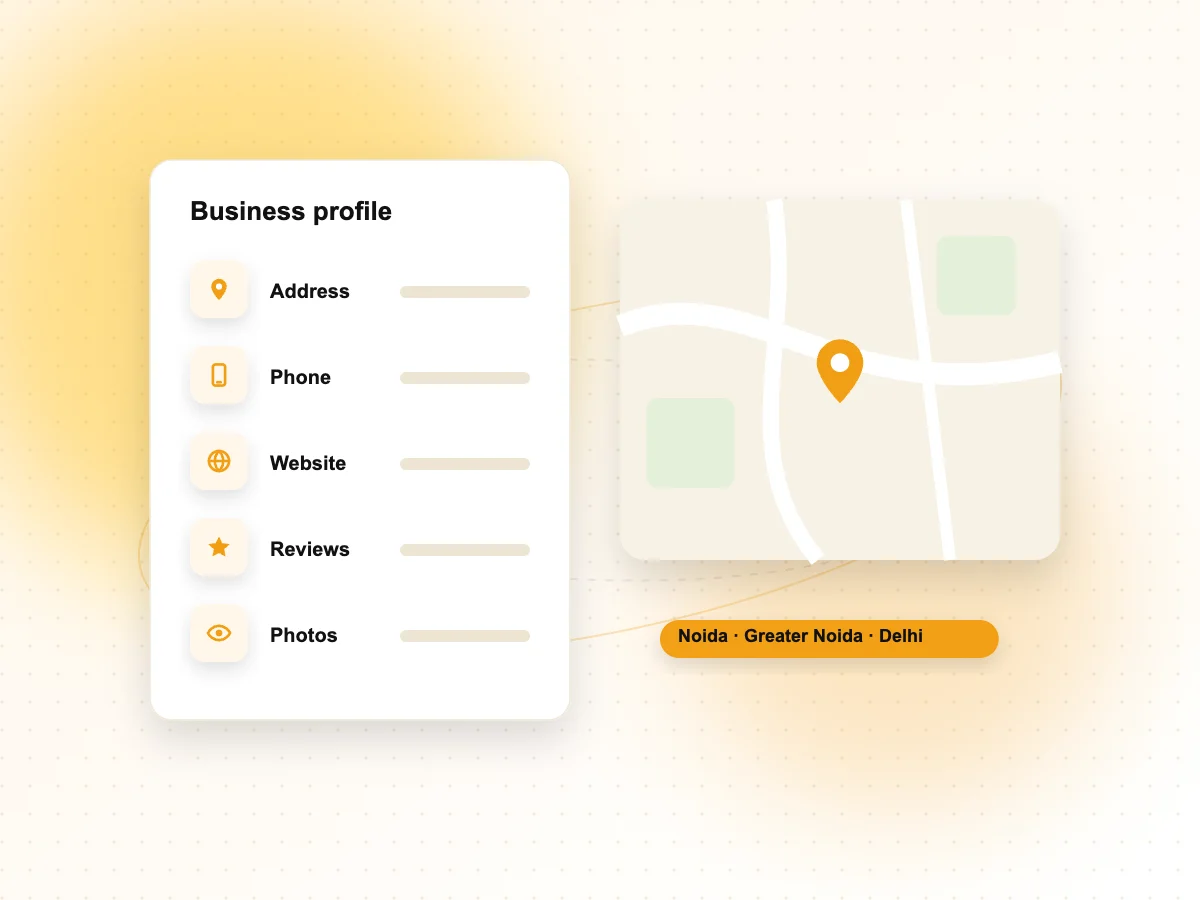
If you have branches in Noida, Greater Noida and Delhi, each branch page should carry markup with that branch’s own address, phone, hours and URL. Do not put every address on the home page as if they were one business.
Google’s guide covers departments separately. A store with, for example, a pharmacy inside it can nest the pharmacy as a department with its own hours and phone number. Google suggests naming departments as the store name plus the department name, unless the department has its own brand.
What mistakes make local business schema ineligible?
The most common problems are self-serving review stars, details that do not match the page and markup that is never updated.
Self-serving reviews
Google’s review snippet guidelines say that if a business controls the reviews about itself, its pages using LocalBusiness or Organization markup are not eligible for star review features. This includes reviews shown through an embedded third-party widget. Adding aggregateRating for your own business will not earn stars and goes against Google’s guidelines.
Other mistakes
- Marking up details that are not visible on the page, which Google’s general guidelines prohibit.
- Old phone numbers or hours left in the code after a change.
- A different business name or address from your Google Business Profile.
- Duplicate blocks from a theme and an SEO plugin that contradict each other.
- Using a vague or wrong type when a more specific subtype exists.
Google’s general guidelines also note that structured data issues can lead to a manual action, which removes rich result eligibility. You can check for this in the Manual Actions report in Search Console.
How do you add and test local business schema?
Add the markup through your CMS, an SEO plugin or your theme code, then test it with Google’s Rich Results Test and monitor it in Search Console.
- Choose one method, such as your SEO plugin’s local business settings or a custom JSON-LD block, and remove any duplicate markup.
- Test the page in the Rich Results Test, which Google’s introduction to structured data recommends for validating markup.
- Check indexing with the URL Inspection tool in Search Console to confirm Google has found the structured data.
- Monitor Search Console reports after launch, since template changes can break markup that used to work.
- Update the markup whenever your hours, phone number or address change, at the same time as your Google Business Profile.
For a wider look at structured data, crawling and site health, our technical SEO services include schema audits. To make sure your Google listing matches your site, see our guide to Google Business Profile optimisation.
Local business schema FAQs
Does local business schema improve rankings?
Google does not describe structured data as a ranking boost. Its documentation explains that structured data helps Google understand a page and can make it eligible for certain search features, with no guarantee they will appear. For local visibility, your Google Business Profile, reviews, relevance and distance still matter most. Schema is a supporting signal that keeps your details clear.
Is local business schema the same as Google Business Profile?
No. Local business schema is code on your own website. Your Google Business Profile is a listing you manage in Google’s tools, and it is what appears in Google Maps and the local results. Both should show the same name, address, phone number and hours, so customers and Google see consistent information.
Where should I put LocalBusiness schema on my site?
Put it on the page that represents the business location. For a single-location business, that is usually the home page or contact page. For multiple branches, add separate markup on each branch’s location page with that branch’s details. Avoid repeating the same markup on every page of the site.
Can I add review stars to my own business with schema?
No. Google’s review snippet guidelines say pages using LocalBusiness or Organization markup are not eligible for star review features when the business controls the reviews about itself, including reviews embedded from third-party widgets. Focus on getting genuine reviews on your Google Business Profile instead.
Which schema type should a service-area business use?
Use the most specific LocalBusiness subtype that describes your service, such as Plumber or Electrician, as Google’s guide recommends. Include an address only if it is accurate and visible on your page. If customers do not visit your premises, keep your Google Business Profile settings and website wording consistent with how you actually serve customers.
Do I need a developer to add local business schema?
Not always. Many WordPress SEO plugins let you enter local business details without code. A developer helps when you have many locations, a custom theme or conflicting markup from different plugins. Whichever route you take, test every page in the Rich Results Test before and after changes.
Need help with local business schema?
If you want your business details marked up correctly and kept in sync with your Google listing, our local SEO services in Noida cover schema, Business Profile and location pages together. We work with businesses across Delhi NCR and India. Contact our team to request a local SEO review.