By PDS Team
The short answer to Performance Max vs Search is this: Search campaigns give you keyword-level control over ads shown on Google search results, while Performance Max is a goal-based campaign that uses Google AI to show ads across all Google Ads inventory from one campaign. Most businesses with a limited budget and clear service keywords should start with Search. Performance Max makes more sense once conversion tracking is reliable and you want reach beyond search results.
This guide compares the two, explains how they interact in one account and covers the newer controls Google has added to Performance Max.
What is the difference between Performance Max and Search campaigns?
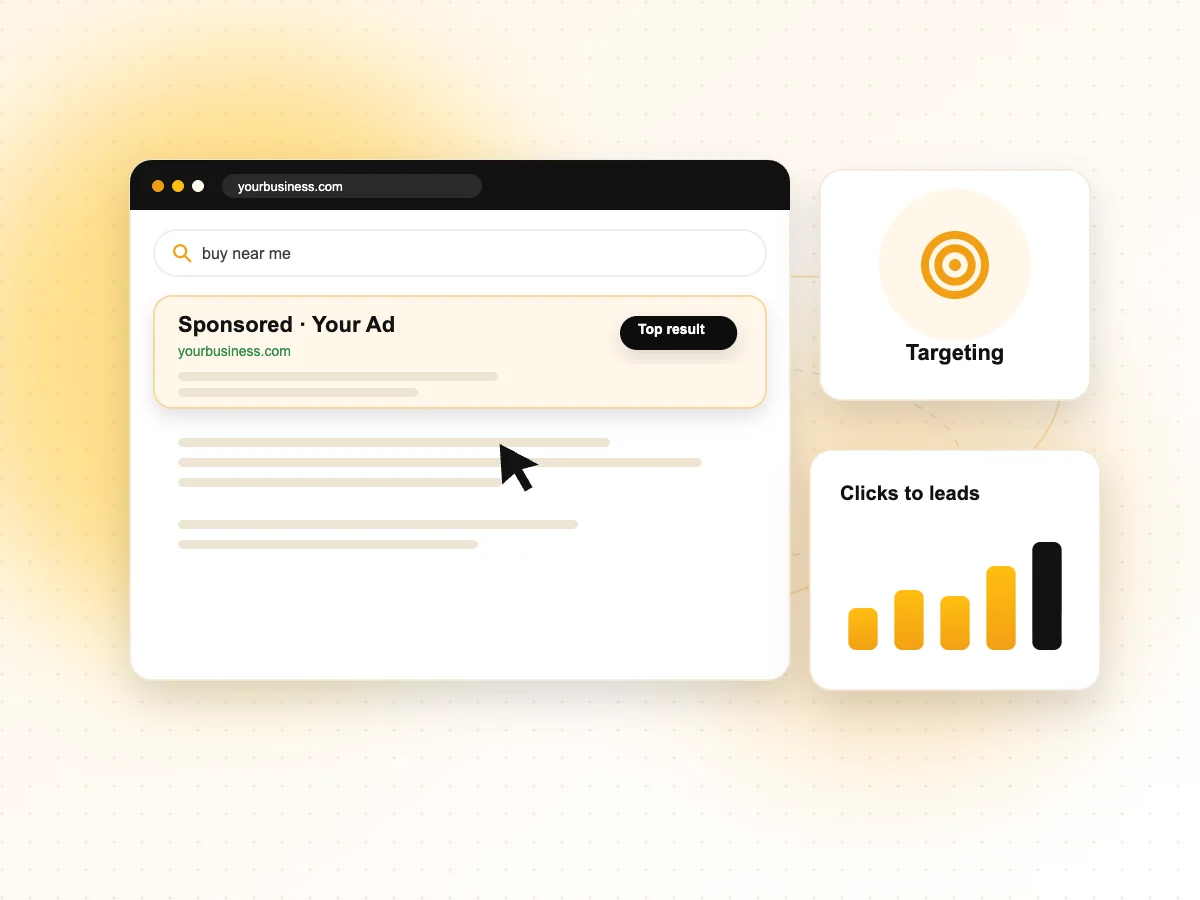
Search campaigns target people through the keywords you choose, while Performance Max targets your conversion goal across many Google channels using your assets and signals.
Google Ads Help describes Performance Max as a goal-based campaign type that gives access to all Google Ads inventory from a single campaign, across YouTube, Display, Search, Discover, Gmail and Maps. It is meant to complement keyword-based Search campaigns, not replace them.
| Feature | Search campaigns | Performance Max |
|---|---|---|
| Where ads show | Google search results and search partners if enabled | YouTube, Display, Search, Discover, Gmail and Maps |
| Targeting | Keywords and match types you choose | Your goals, assets, audience signals and search themes |
| Ad formats | Text ads, with assets such as sitelinks | Text, image and video, assembled from asset groups |
| Control | High: keywords, ad copy, landing pages per ad group | Lower: Google AI decides placement and combinations |
| Best for | Capturing people already searching for your service | Reaching more people across channels toward a conversion goal |
| Needs | Good keyword research and ad copy | Reliable conversion tracking and quality creative assets |
If you would like experts to set up and manage either type, our PPC services cover campaign planning, tracking and ongoing optimisation.
When should you choose a Search campaign?
Choose Search when people already look for your service on Google and you want to control exactly which searches trigger your ads.
Search suits most local and service businesses: a dentist in Noida, a CA firm in Delhi, a packers and movers company. People type clear phrases such as “dental implant clinic near me”, and you can bid on those terms, write ads for them and send each group to the right landing page.
- You have a small budget and want every rupee spent on high-intent searches.
- Your conversion tracking is new or not yet reliable.
- You need tight control over ad wording, for example in regulated industries.
- You want to see which keywords bring enquiries and build on them.
For first-time advertisers, our guide to Google Ads for small business walks through account setup, keywords and budgets.
When should you choose Performance Max?
Choose Performance Max when you have clear conversion goals, accurate tracking and good creative assets, and want to reach people beyond search results.
Google Ads Help calls Performance Max the recommended option for advertisers with specific conversion goals, such as online sales or lead generation, who want to maximise performance without limiting which channels their ads appear on. It suits:
- Ecommerce stores with a product feed connected through Google Merchant Center.
- Businesses with steady conversion data, so the system has enough information to learn from.
- Advertisers who can supply strong images, videos, logos and text for asset groups.
- Businesses wanting visibility on YouTube, Gmail and Maps as well as Search.
Key building blocks
Google Ads Help explains that asset groups are collections of creative assets, such as images, text, logos and videos, organised around a theme or audience. Audience signals tell Google which customers you think are most likely to convert, helping the campaign learn faster. Search themes guide the campaign toward relevant searches.
How do Performance Max and Search work together in one account?
When both campaigns could show for the same search, a Search keyword that is identical to the search term usually takes priority over Performance Max.
Google Ads Help on ad group and asset group prioritisation sets out the order:
- Exact match keywords identical to the search term come first, ahead of phrase or broad keywords and Performance Max.
- Phrase match, broad match, AI Max and Performance Max search themes that are identical to the search term come next. Google says search themes are treated like phrase or broad match keywords.
- Relevance: if nothing is identical, Google limits matching to the most relevant ad groups or asset groups.
- Ad Rank: among equally ranked options, the one with the highest Ad Rank serves.
Google defines “identical” to include spelling corrections but not plurals or synonyms. In practice, put your most important service terms as exact match keywords in Search, so those searches stay under your direct control while Performance Max finds additional demand.
What controls does Performance Max now offer?
Performance Max now offers search terms reporting, campaign-level negative keywords and more reporting than it did at launch, though it still gives less control than Search.
In a Google Ads Help announcement dated 7 August 2025, Google listed several Performance Max updates:
| Control | What Google says |
|---|---|
| Search terms report | Available for all Performance Max campaigns and through the API |
| Campaign-level negative keywords | Available to all Performance Max campaigns, applying to Search and Shopping inventory |
| Negative keyword lists | Can now be applied to Performance Max campaigns, so one list covers several campaigns |
| Search themes | Limit raised from 25 to 50 per asset group |
| Channel performance report | Launched as a beta to show performance by channel |
| Device and age targeting | Device targeting and age-based demographic controls fully available |
Two details matter. First, Google Ads Help on Performance Max negative keywords says they apply to Search and Shopping inventory only; they do not filter Display or video placements. Second, the Performance Max search terms report covers data from March 2023 onwards, and for Display and Video inventory Google points to excluded content keywords in its content suitability settings instead of negative keywords.
Where does AI Max for Search fit in?
AI Max is an optional set of features inside Search campaigns that adds AI-driven matching and creative while keeping Search campaign structure.
Google Ads Help describes AI Max for Search campaigns as a suite of targeting and creative enhancements, including search term matching, text customisation and final URL expansion. It gives Search campaigns some of the automation found in Performance Max while keeping keywords, ad groups and Search reporting. Test it with clear conversion tracking and review the search terms it brings in, just as you would with broad match.
How should you decide and measure results?
Decide based on your goal, tracking and budget, then judge each campaign by real enquiries or sales rather than clicks.
| Your situation | Suggested starting point |
|---|---|
| Local service business, small budget | Search campaign with exact and phrase match keywords |
| New account, tracking not set up | Fix tracking first, then Search |
| Online store with product feed | Performance Max with Search for key terms |
| Steady leads, want more volume | Keep Search, test Performance Max alongside it |
Whichever you choose, track phone calls, form submissions and WhatsApp clicks as conversions, and check lead quality with your sales team. Our guide on measuring marketing results with Search Console and GA4 explains how to set up reporting you can trust.
Performance Max vs Search FAQs
Is Performance Max better than Search for lead generation?
Not automatically. Search lets you target people actively looking for your service, which often suits lead generation on smaller budgets. Performance Max can find more leads across channels, but lead quality depends heavily on accurate conversion tracking. Many advertisers keep Search for core keywords and test Performance Max alongside it, judging both by qualified leads.
Can I add negative keywords to Performance Max?
Yes. Google Ads Help says you can add negative keywords at campaign level to Performance Max campaigns, apply negative keyword lists and use account-level negative keywords. These apply only to Search and Shopping inventory. For Display and Video inventory, Google points to excluded content keywords in its content suitability settings instead.
Can I see search terms in Performance Max?
Yes. Google Ads Help says the Performance Max search terms report shows the search terms that triggered your ads, along with related landing pages and ad formats, and that data is available from March 2023. Review it regularly to find irrelevant searches to exclude and useful ones to add as Search keywords.
Will Performance Max take traffic from my Search campaigns?
Not for searches that are identical to your exact match keywords. Google Ads Help says an exact match keyword identical to the search term is prioritised over Performance Max. For other searches, Google uses relevance and Ad Rank to choose, so watch your Search impressions after launching Performance Max.
Do I need a product feed for Performance Max?
No. A Merchant Center product feed is needed to show Shopping ads for products, but Performance Max can also run for lead generation and other goals using text, image and video assets. Service businesses can use it without a feed, as long as conversion tracking is set up properly.
How much budget do I need for Performance Max?
Choose a daily budget you are comfortable with, but remember that automated campaigns learn from conversion data, so very small budgets may produce too few conversions to optimise well. If budget is tight, focusing on Search first is usually the safer choice.
Need help choosing the right campaign?
If you are unsure whether Performance Max or Search suits your goals, our PPC services team can review your account, tracking and budget and recommend a setup. We work with advertisers in Noida, Delhi NCR and across India. Contact our team to book a Google Ads review.